How to place HTML elements into webforms via the Source tab
You want to insert headings or other text elements into a web form, e.g. to subdivide it for better readability and/or understandability.
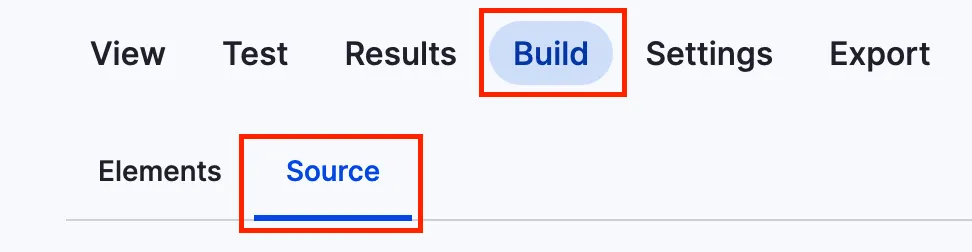
You can add headlines to a webform using the code below. To get to the source section, navigate to the form you want to alter, click on build and then on the source tab like in the screenshot.
This is just a short example on how to add a headline.
personal_data:
  '#type': html_tag
  '#tag': h3
  '#value': 'Personal data'
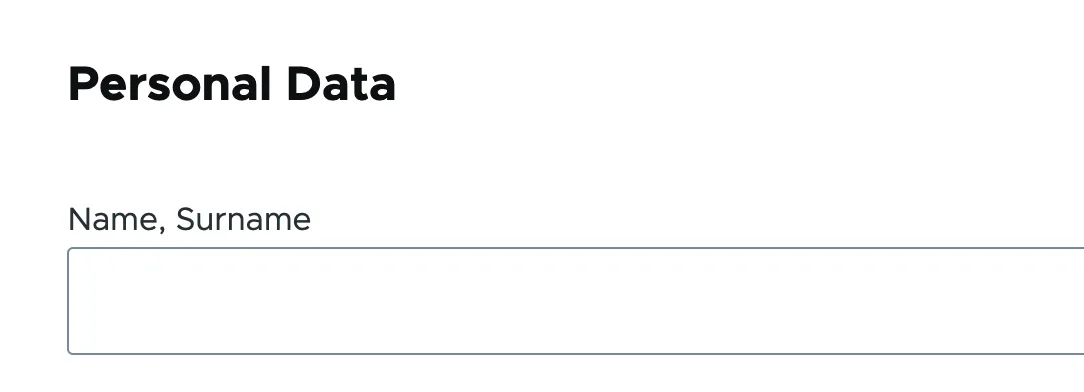
It will look something like this:
Issue:
You want to insert headings or other text elements into a web form, e.g. to subdivide it for better readability and/or understandability.
Solution:
Use a structured data format to define HTML elements that add the headline "Personal Data" to a web form.

Ihre Drupal-Website zukunftssicher machen
Wir prüfen Ihr System und zeigen, was Sie für AI, Wartung und Upgrades brauchen.