13.11.2025 | Peter Gerken

Open all HTML details elements via browser console

open_details.js
let details = document.getElementsByTagName('details');
for (i = 0; i < details.length; ++i) {
  details.item(i).open = true;
}

Issue:

You are on a page which has a large amount of HTML details elements, for instance translations, and you need to find a certain bit of information by searching the page.

Solution:

The provided snippet opens all details on a page. This can be copy-and-pasted to the browser console to easily access all the fields hidden behind the nested details.
Weitere DevBits

09.07.2026 | Holger Weischenberg

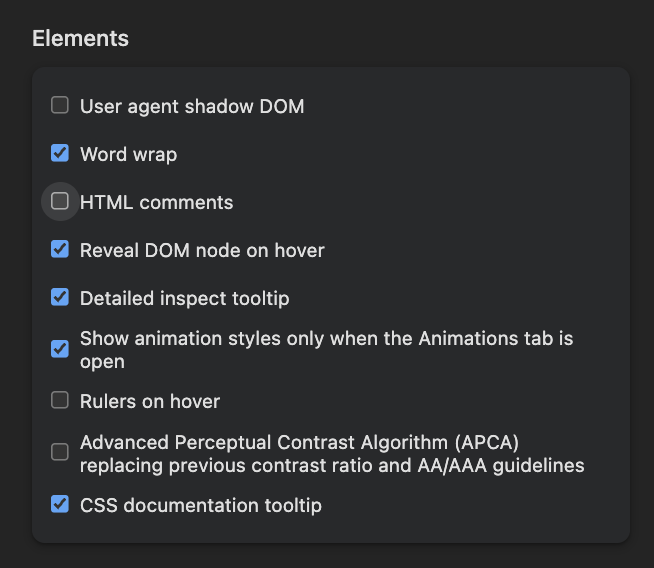
Hide HTML comments in Chrome and Firefox browser inspector

Image showing various settings options in a developer tools interface.


html
browser
debugging
frontend
13.11.2025 | Lothar Ferreira Neumann

Use ternary statements in Twig

ternary-example.html.twig
{# Checks if a URL exists and passes it to the component. Otherwise, sets it to false. Works with primitive data types. #}
{% set link = url ? { url: url } : false %}

{# Checks if the media object is not empty and passes it to the component. Otherwise, sets it to false. Suitable for complex data types like objects. #}
{% set media = media is not empty ? { media: media } : false %}
html
twig
twig
ternary operators