13.11.2025 | Lothar Ferreira Neumann

Use ternary statements in Twig

ternary-example.html.twig
{# Checks if a URL exists and passes it to the component. Otherwise, sets it to false. Works with primitive data types. #}
{% set link = url ? { url: url } : false %}

{# Checks if the media object is not empty and passes it to the component. Otherwise, sets it to false. Suitable for complex data types like objects. #}
{% set media = media is not empty ? { media: media } : false %}

Issue:

You want to conditionally pass values to components in Twig based on variable existence or content.

Solution:

Uses Twig’s ternary operator to check variable conditions and pass either an object with the variable or false.

If you're working with more complex objects, make sure to handle the empty test according to the Twig documentation on empty, as its behavior may vary depending on the object's implementation.
Weitere DevBits

09.07.2026 | Holger Weischenberg

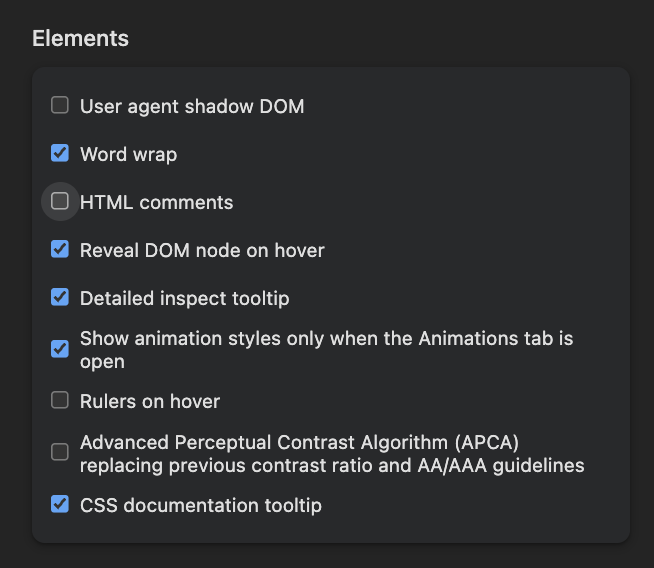
Hide HTML comments in Chrome and Firefox browser inspector

Image showing various settings options in a developer tools interface.


html
browser
debugging
frontend
13.11.2025 | Lothar Ferreira Neumann

How to place HTML elements into webforms via the Source tab

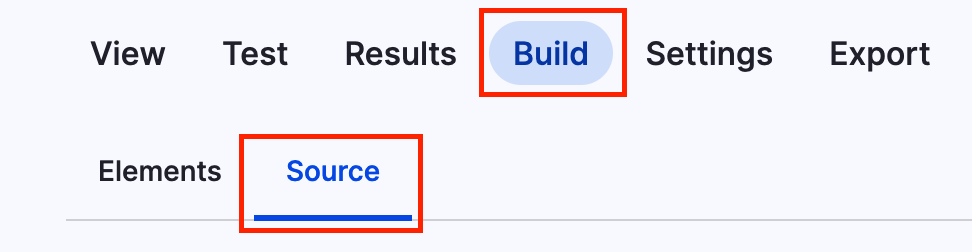
You can add headlines to a webform using the code below. To get to the source section, navigate to the form you want to alter, click on build and then on the source tab like in the screenshot.

Screenshot of the menu to add code to webform

This is just a short example on how to add a headline.

webform_headline.yml
personal_data:
  '#type': html_tag
  '#tag': h3
  '#value': 'Personal data'

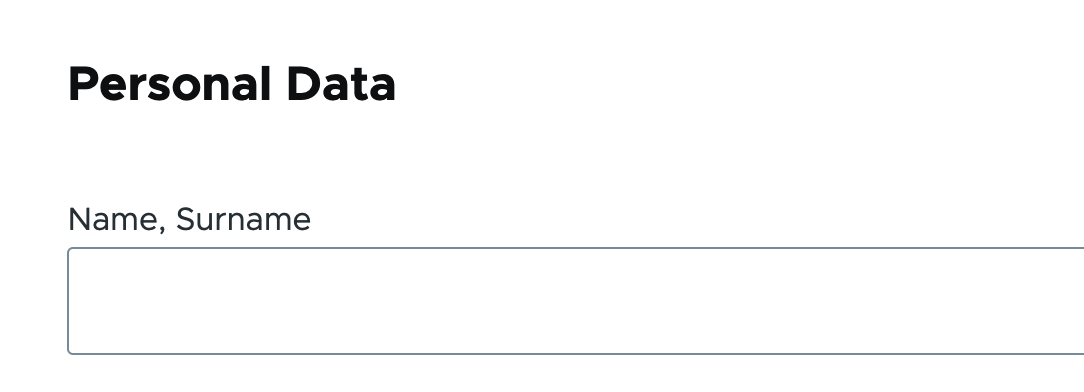
It will look something like this:

Headline within a webform
yml
html
manipulating forms
backend