You need to format datetime objects before printing them.
Example for a single datetime field
use Drupal\Core\Datetime\DrupalDateTime;

/** @var Drupal\Core\Datetime\DateFormatterInterface $date_formatter */
$date_formatter = \Drupal::service('date.formatter');

// Get DateTime object from stored date from a DateTimeFieldItemList field.
$my_date = $node->field_my_date->date;

// Get unix timestamp.
$my_date_timestamp = $my_date->getTimestamp();

// For formatting your DateTime object all other arguments are optional:
// See DateFormatterInterface for built-in options, or use machine name of a date format in config.
$type = 'medium';
// Custom PHP date format if $type="custom".
$format = '';

$formatted = $date_formatter->format($my_date_timestamp, $type, $format, $timezone = NULL, $langcode = NULL);
Example for a daterange field
use Drupal\Core\Datetime\DrupalDateTime;

/** @var Drupal\Core\Datetime\DateFormatterInterface $date_formatter */
$date_formatter = \Drupal::service('date.formatter');

// Get DateTime objects from stored date from a DateTimeFieldItemList field.
$start_date = $node->field_my_date->start_date;
$end_date = $node->field_my_date->end_date;

// For formatting your DateTime object all other arguments are optional:
// See DateFormatterInterface for built-in options, or use machine name of a date format in config.
$type = 'medium';
// Custom PHP date format if $type="custom".
$format = '';

$start_date_formatted = $date_formatter->format($start_date, $type, $format, $timezone = NULL, $langcode = NULL);
$end_date_formatted = $date_formatter->format($end_date, $type, $format, $timezone = NULL, $langcode = NULL);
Issue:
You need to format datetime objects before printing them.
Solution:
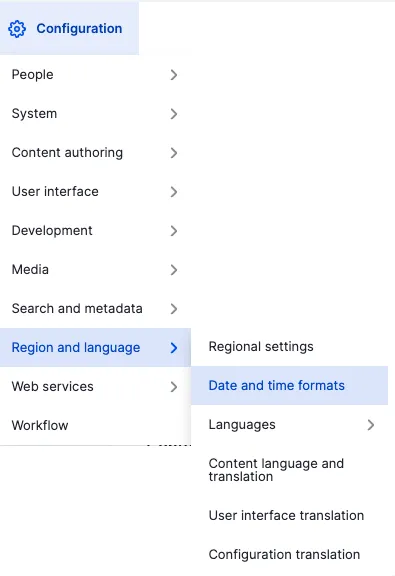
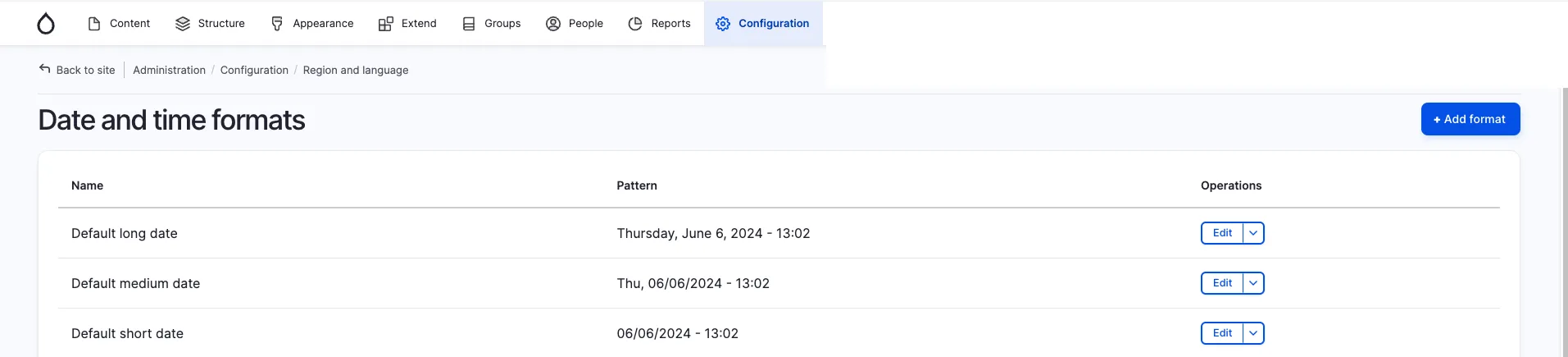
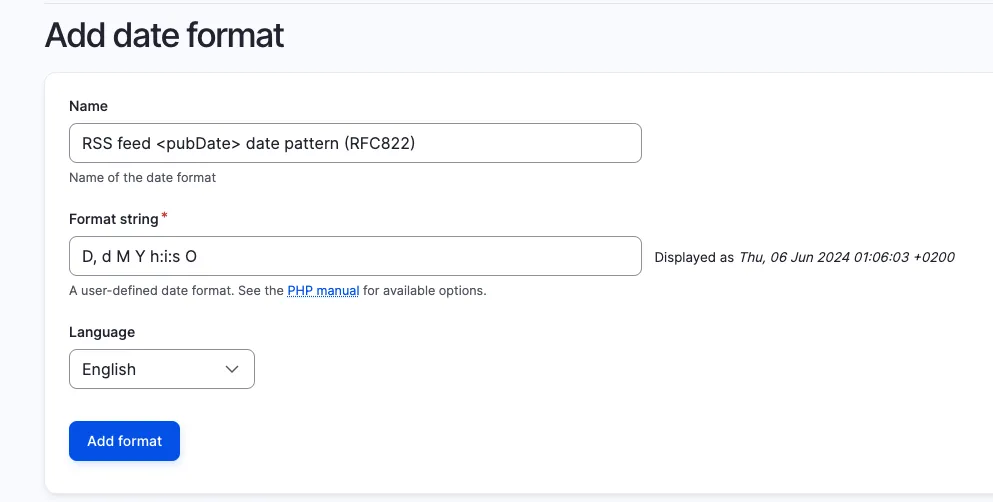
The Drupal date formatter service will be your friend. If you have enabled the datetime and/or datetime_range Core modules, you can set it to a defined date format (/admin/config/regional/date-time) or use a custom one. Details about the parameters you can use can be found on php.net.
We recommend always choosing the Drupal solution instead of a custom solution whenever possible.