Step 1: Create a vocabulary
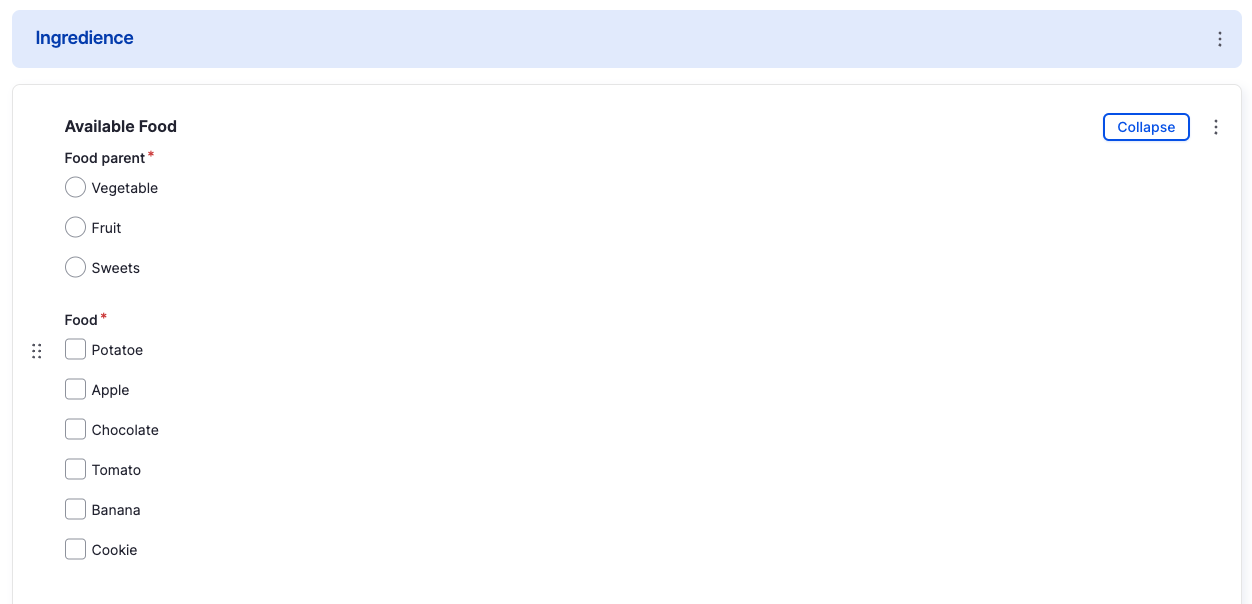
To nest terms and group them together with their parents, drag the child term (ingredients) in the hierarchical order below their parents. Drupal will now notice that the child terms belong to its parent terms.
Step 2 (optional): Create a paragraph to organize a parent and its child term
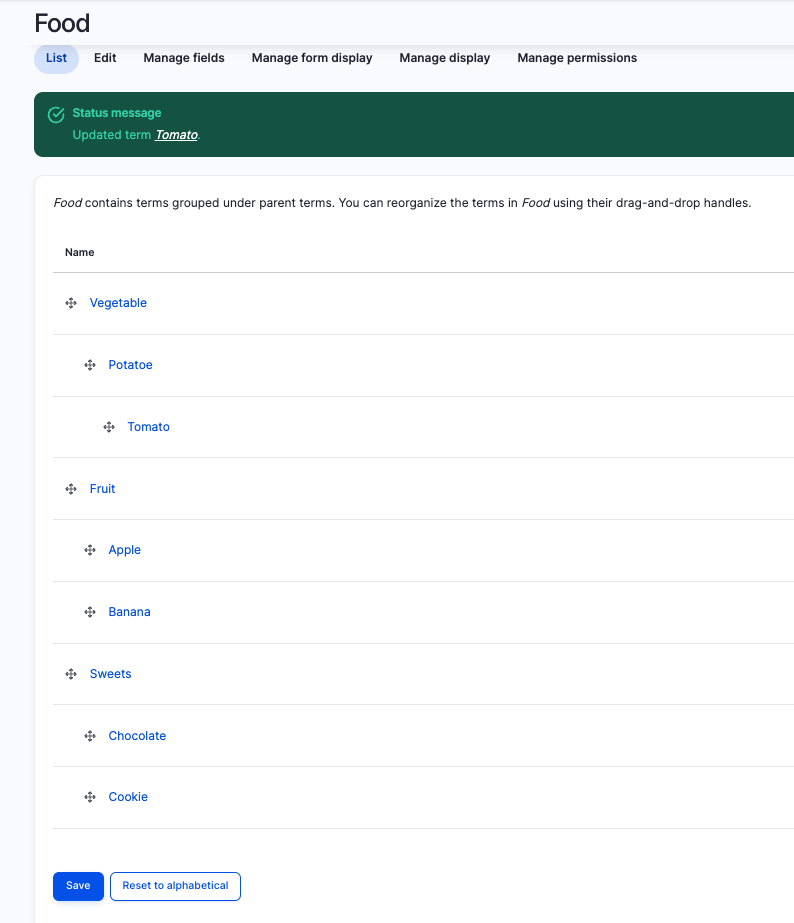
This step is technically not required, but it results in a smoother user experience. Use an entity reference field that references the vocabulary (in this case Food) twice, to have a reference for the parent and the child term.
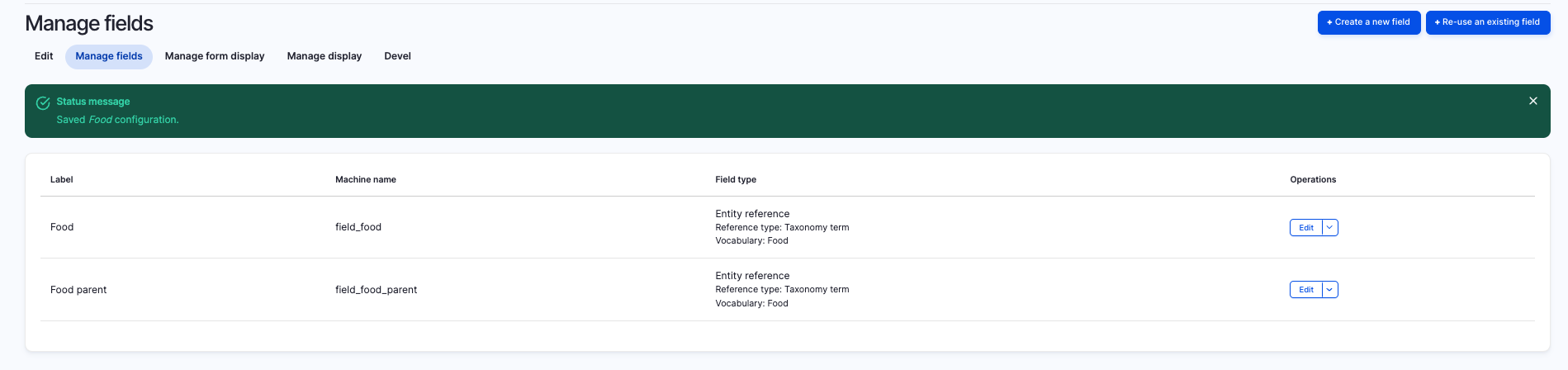
Step 3: Place the vocabulary (if you used a paragraph, place it here) on the content type
If you didn't use a paragraph type for your scenario, place two entity reference fields with your used vocabulary, like described in Step 2.
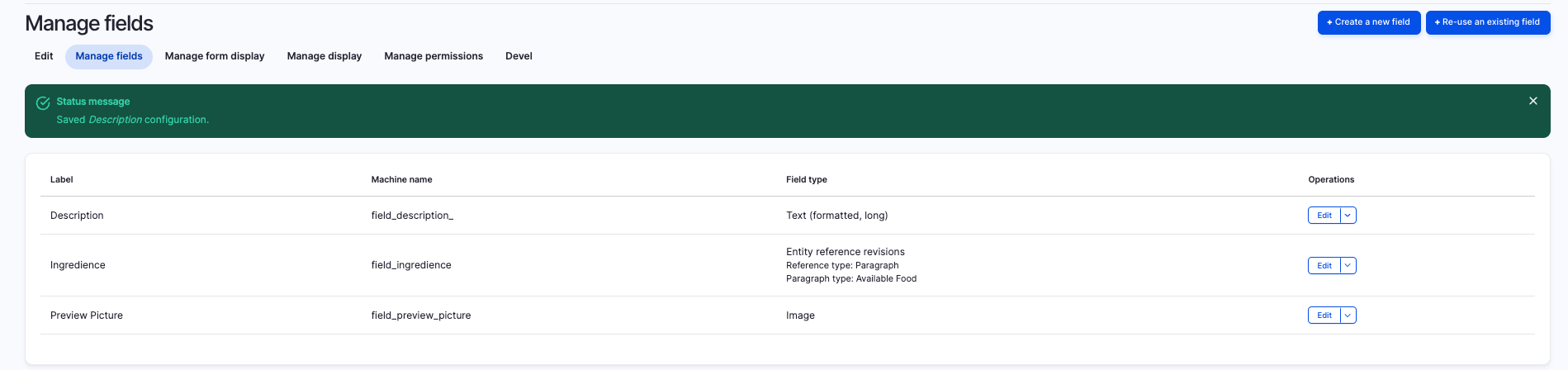
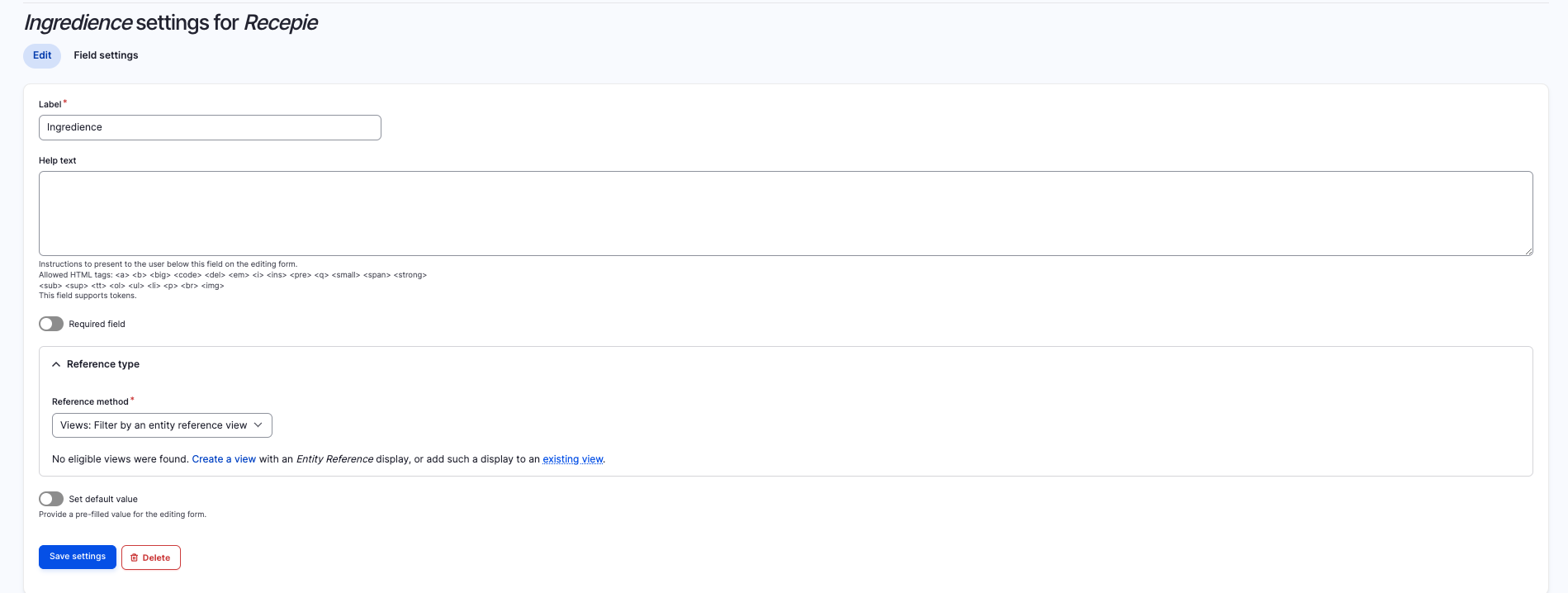
Step 4: Choose a reference method
The next step will be the most important step in this tutorial. We need to find a way to display the parent as well as the child in term separated from each other. To enter the settings, go to your paragraph type, click on edit on the related field and take a look at the reference type settings (if you are not using a paragraph, navigate to the entity reference field on your content type). With using the default reference method, there will be available ALL terms within the vocabulary. So we need to filter each entity reference field for parent and child. We can achieve this with using an entity reference view.
Step 5: Creating an entity reference view
Our goal is to create two separate entity reference views, one for the parent term and one for the child term.
Choose Content from your content type as base of the view.
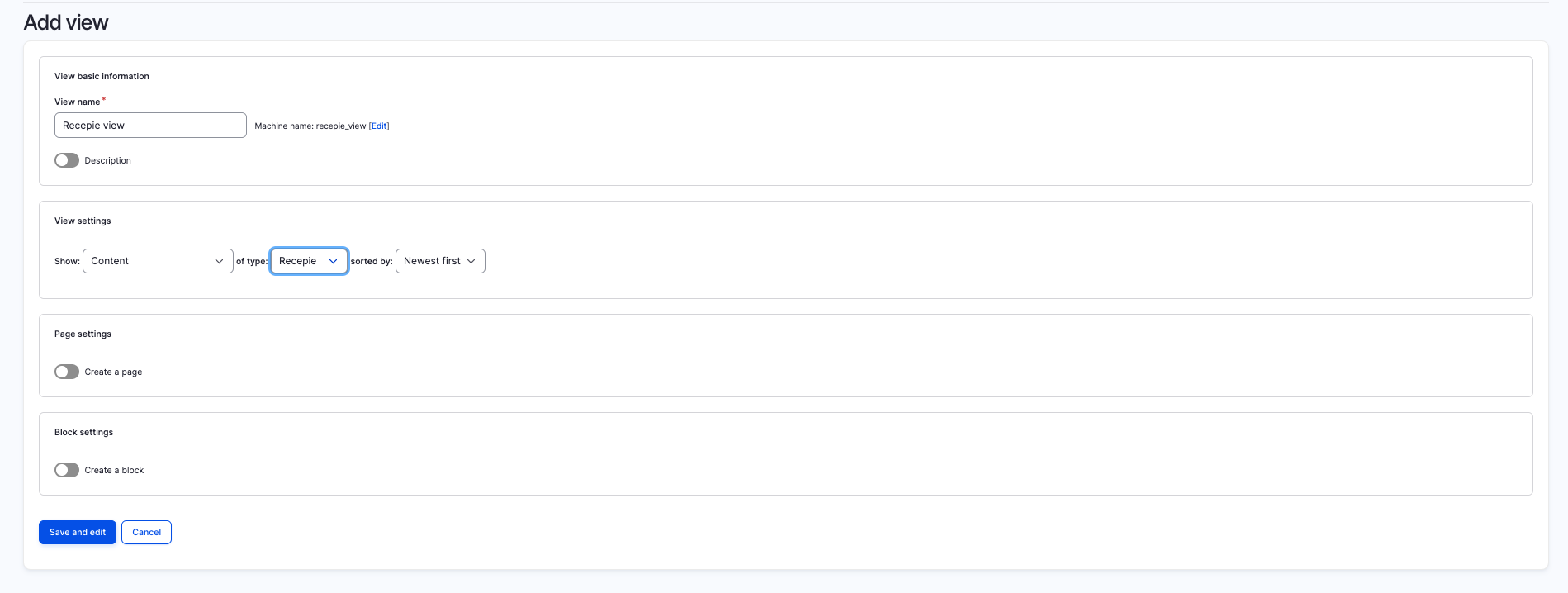
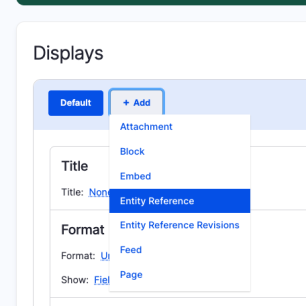
| Create a new view display as entity reference twice, one for the parent and one for the child terms. |
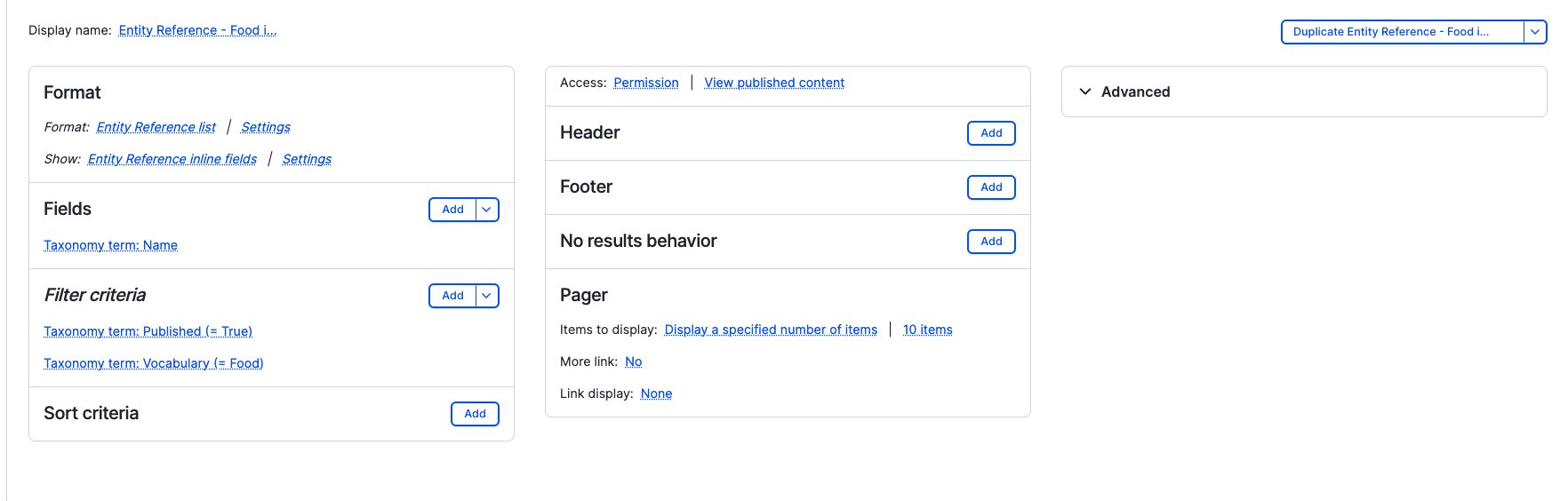
| Use as field Taxonomy term: Parent name for the parent terms. | Use as field Taxonomy term: Name for the child terms. |
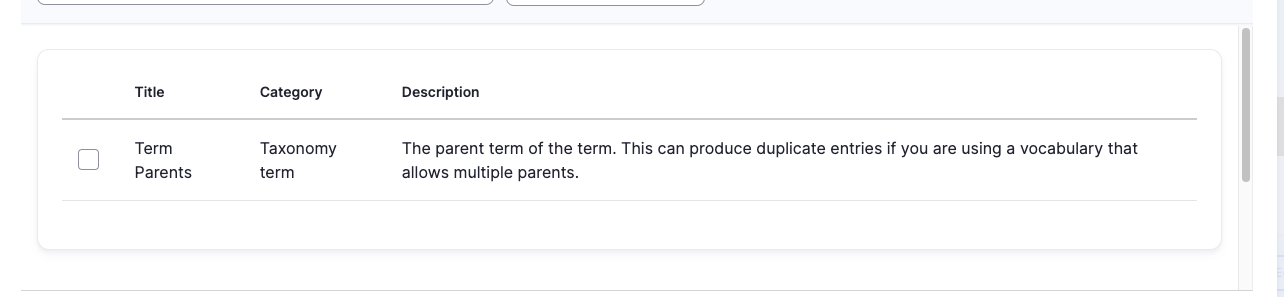
| 
|
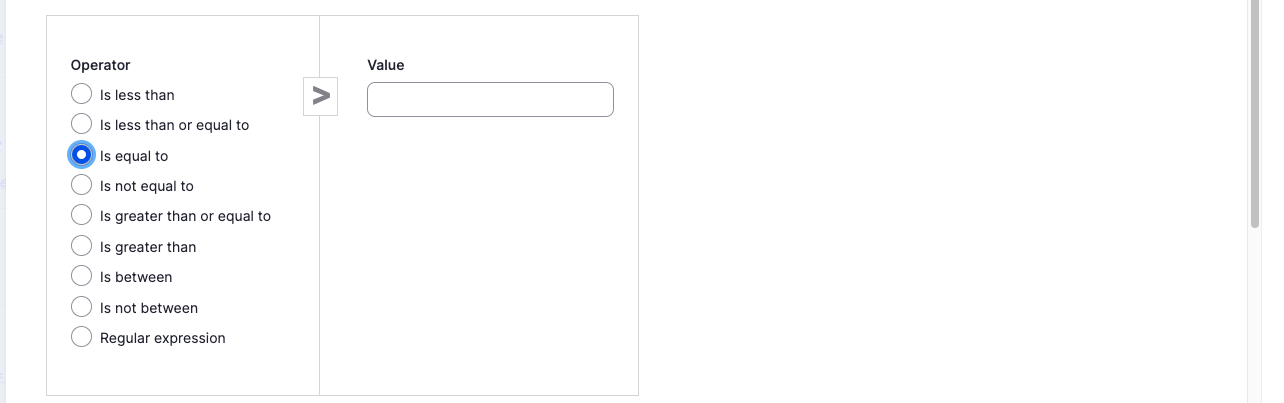
| Filter for: Taxonomy term: Vocabulary and your vocabulary and use as filter selector is NOT equal to. This causes to exclude the child terms. | Filter for: Taxonomy term: Vocabulary and your vocabulary and use as filter selector is equal to. This causes to exclude the child terms. |
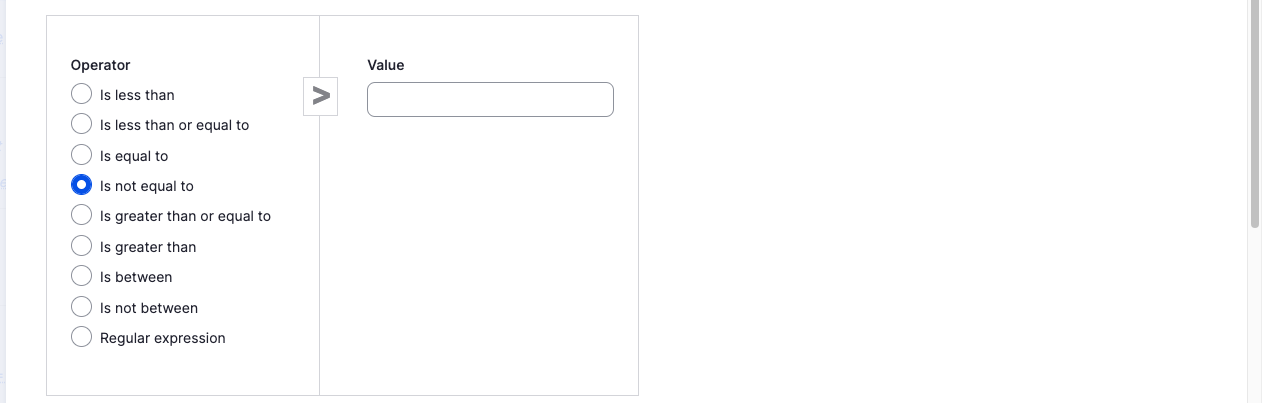
| 
|
Step 6: Use the entity reference view as referenced method on your fields settings
Navigate to your content type, then to Manage fields and edit the entity reference field for your term.
Set as reference method Views: Filter by an entity reference view and choose your view depending on the entity reference field.
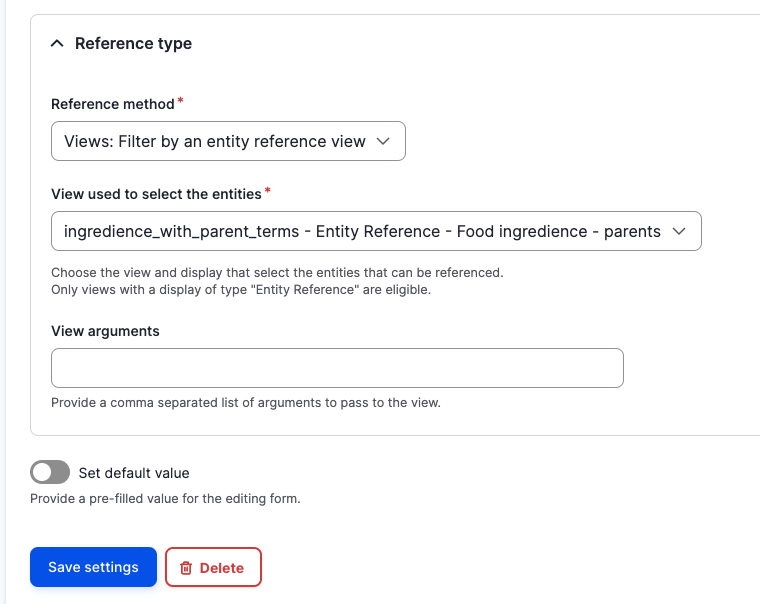
Reproduce this for your second entity reference field.
Step 7: Lean back and watch the result