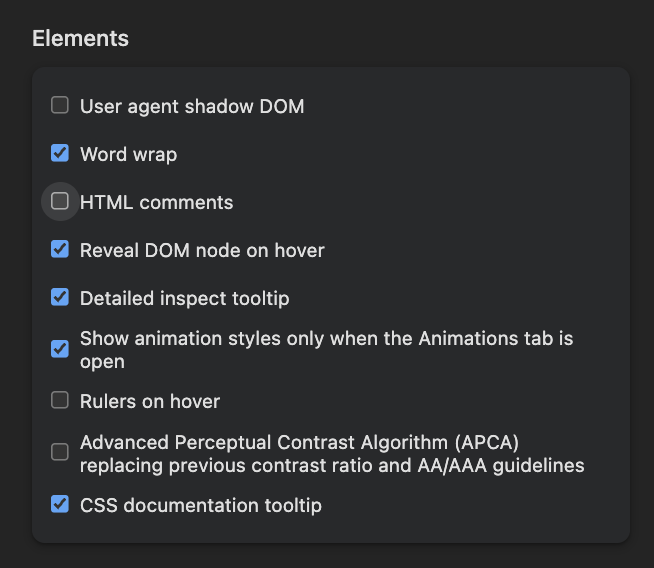
browser

This is not a thing anymore.

Unfortunately, this was removed in macOS 26. Thus, the DevBit goes internal. Unfortunate – it has been public for a few minutes only. =(

html.html.twig
<!DOCTYPE html>
<html{{ html_attributes }}>
  <head>
    <head-placeholder token="{{ placeholder_token|raw }}">
    <meta name="theme-color" content="#ef9222">
    <title>{{ head_title|safe_join(' | ') }}</title>
    <css-placeholder token="{{ placeholder_token|raw }}">
    <js-placeholder token="{{ placeholder_token|raw }}">
  </head>
  <body{{ attributes }}>
    {#...#}
  </body>
</html>
10.09.2026 | Holger Weischenberg

Color the Safari Toolbar

Issue:

If a website has an invalid SSL certificate there might be no way to bypass the validation warning and access the actual website. Especially in Chrome sometimes the button beneath the error message to explicitly bypass the certificate warning is not available.

Solution:

To access a website despite an invalid certificate in Chrome, place the cursor somewhere on the browser window and try typing »thisisunsafe«.

13.04.2026 | Marc Hitscherich

Chrome: Bypass NET::ERR_CERT_INVALID