This snippet is an example config for a date format in Drupal which can be imported.
Change the date format via Sitebuilding
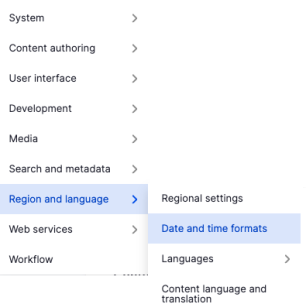
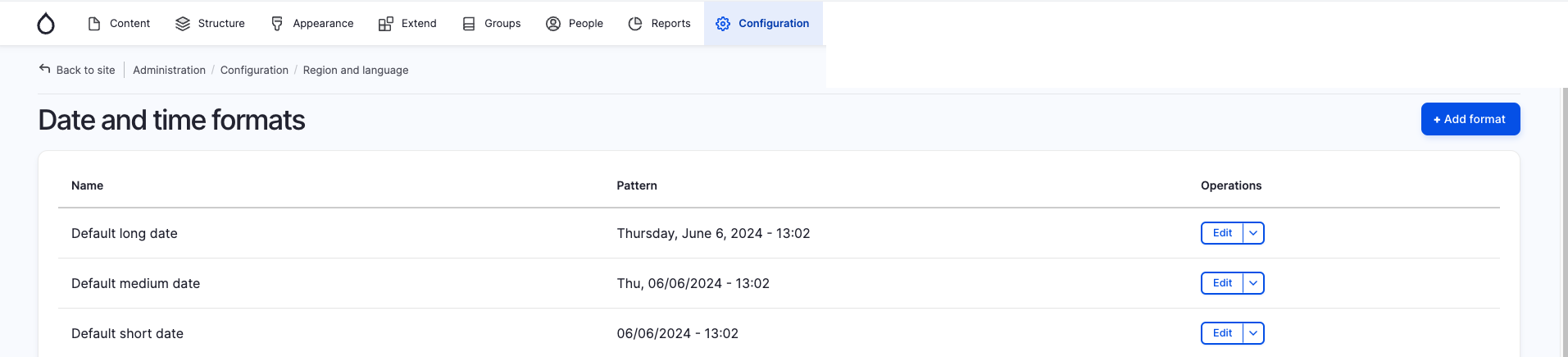
In the administrative menu open Configuration -> Region and language -> Date and time formats or open the path /admin/config/regional/date-time.
Then use the button "+ Add format".
|
|
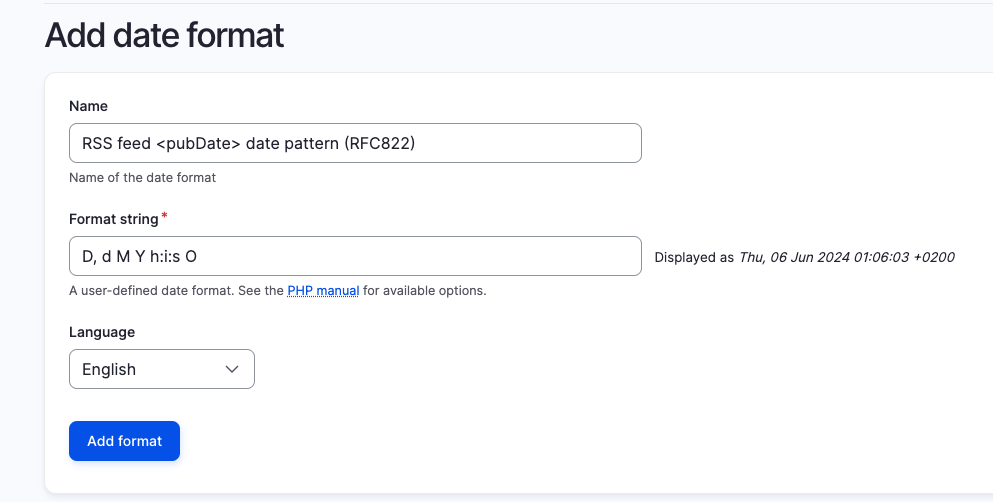
Here you can give your new date format a label and enter D, d M Y h:i:s O as a fitting RFC822 <pubDate> format.
For more information about PHP date format options, see the official PHP documentation.